Automation is usually sold as a way to save time.
That is useful, but it is not enough.
A script, integration, chatbot, or AI assistant may remove a repetitive task. But if the surrounding process is still unclear, the business may only move the confusion somewhere else.
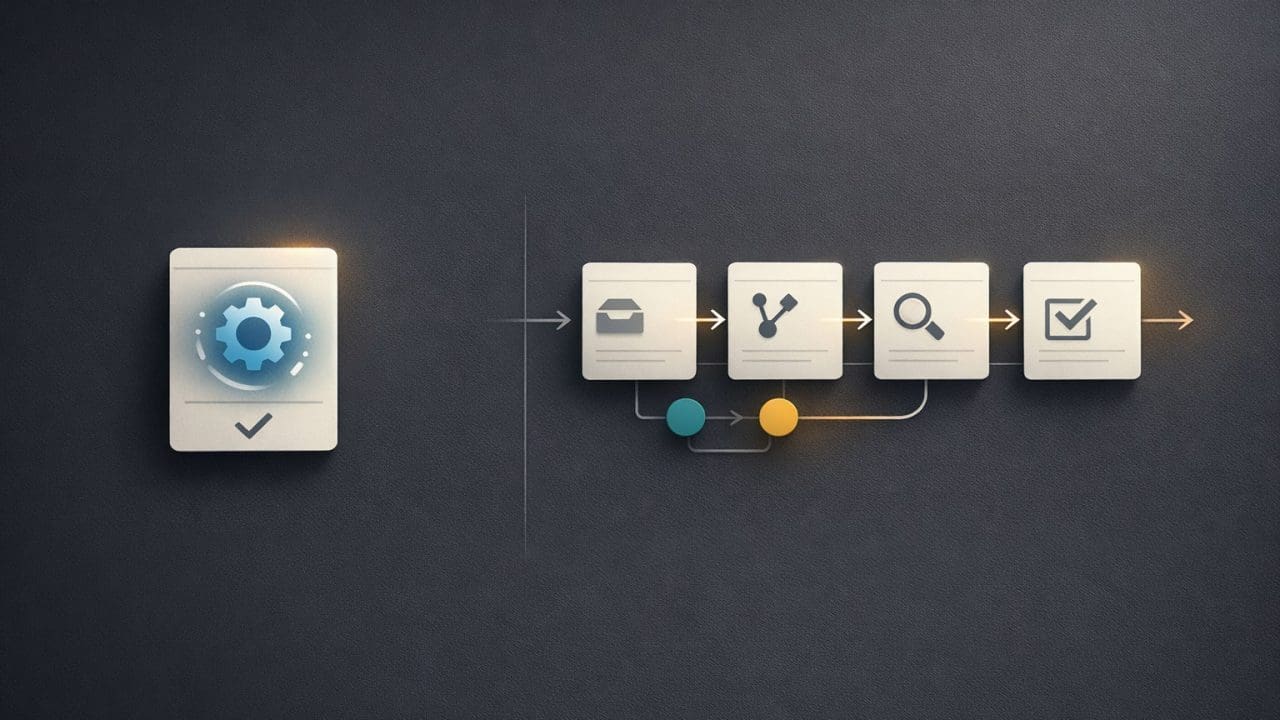
That is the difference between automation and operational design. Automation improves a task. Operational design improves how work moves through the business.
Automation Solves a Step.
A basic automation might copy data from one system into another. It might send a notification, generate a draft, organize a file, or update a record.
Those things can be valuable. They reduce repetitive work and give people time back.
However, they only solve part of the problem. If the request is unclear, the data is messy, the owner is unknown, or approvals still happen through scattered messages, automation will not fix the whole workflow.
In some cases, it can make the problem harder to see. The automated step runs quickly, but the broader process still depends on manual follow-up, memory, and informal coordination.
Operational Design Looks at the System.
Operational design starts by asking how the work should happen.
Where does the request begin? What information is needed? Who owns the next step? What can be automated? What requires review? What happens when something is missing? How does the team know the work is complete?
These questions matter because most business problems are not isolated. They connect to handoffs, decisions, tools, people, data, and timing.
A better system makes those connections visible. It gives the team a clear path for the work instead of asking people to rebuild the process every time a request appears.
Microsoft describes business process management as a way to design, execute, monitor, and optimize business processes. That broader lens is useful because automation performs best when it belongs to a process the business can actually manage.
AI Needs Operational Design.
AI makes this even more important.
An AI system can summarize, classify, draft, review, search, and recommend. But without a clear process, it can also create inconsistent outputs, unclear ownership, and extra review work.
AI should not be dropped into a broken process and expected to make it better. Instead, the business should design AI into a workflow with clear inputs, useful context, defined boundaries, and approval points.
That is how AI becomes operationally useful. The model can help with the work, but the workflow gives that help a shape, a purpose, and a review path.
Better Systems Reduce Invisible Work.
Many teams lose time on work that does not look like work.
People follow up. They search for files. They rewrite the same email. They ask for context. They check whether something was approved. They copy the same data into another place.
This invisible work slows the business down because it sits between the visible tasks. It also creates frustration because the team feels busy while the process still feels stuck.
Automation can help with pieces of that burden. Operational design reduces the need for so much coordination in the first place.
Build Around the Way the Business Should Run.
The best automation projects do not begin with a tool. They begin with a better version of the process.
Once the process is clear, the right tools become easier to choose. That might include AI, custom software, forms, dashboards, approval flows, CRM integrations, or simple workflow rules.
The goal is not just to automate what exists. The goal is to design a better way for the work to happen.
For example, a business may want to automate customer intake. A task-level approach might send form submissions into a spreadsheet. That helps a little, but it does not answer the larger questions: what information is required, who reviews the request, what qualifies the lead, when does the team follow up, and how does the business know whether the request turned into useful work?
An operational design approach would map the full intake path. Then automation could capture the request, check for missing details, assign ownership, prepare a response, route exceptions, and keep the status visible.
That is a different kind of value. The business does not just save a few minutes. It gets a cleaner operating model.
Automation Should Fit the Operating Model.
Disconnected automation can create short-term efficiency. Operational design creates long-term clarity.
The difference matters because businesses rarely need more disconnected shortcuts. They need systems that make work easier to understand, easier to route, easier to review, and easier to improve.
This is the practical lens behind Eckman Design’s work on AI automation, software, and digital operations. Automation should not sit beside the business as a clever add-on. It should fit the way the business is supposed to run.
Eckman Design helps businesses move beyond disconnected automation and build practical systems that make work easier to manage.
Discussion
0 Comments